Creating a home office that feels cozy yet functional can make a big difference in your work-from-home experience. Whether you’re setting up a dedicated room or carving out a corner in your living space, thoughtful design can help you stay organized, comfortable, and focused throughout the day. Here are some essential tips to help you craft a home office that combines style with productivity.
Choose the Right Location
Start by picking the best spot for your home office. Ideally, this should be a quiet area with minimal distractions. If possible, select a room with plenty of natural light to boost your mood and energy levels. If a separate room isn’t available, consider a section of your living room or bedroom that can be dedicated to work.
Consider Lighting
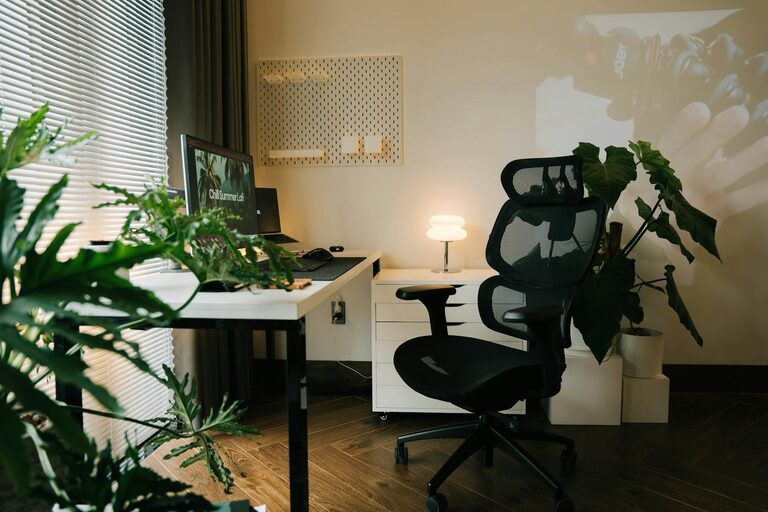
Natural light is the best option, so position your desk near a window. If that’s not possible, invest in good quality artificial lighting. A desk lamp with adjustable brightness can reduce eye strain and help you focus better during late hours.
Invest in Quality Furniture
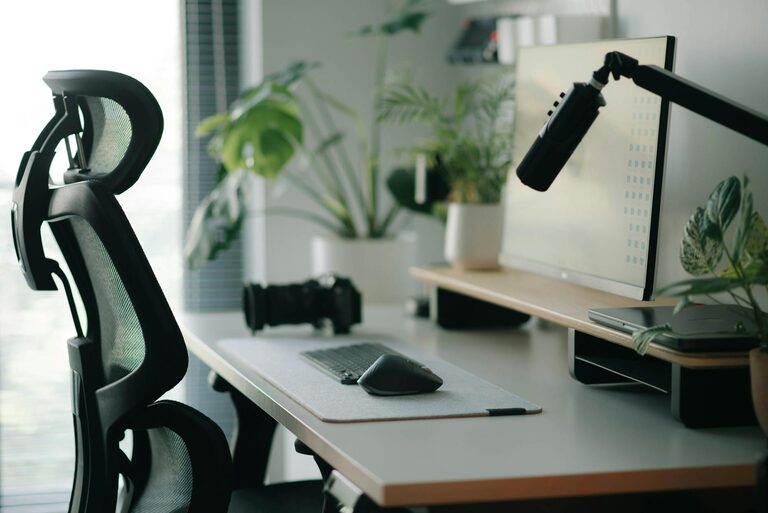
Comfort is key when you spend hours at your desk. Choose an ergonomic chair that supports your posture and an adjustable desk that suits your height.
– Ergonomic chair: Look for chairs with lumbar support and adjustable features.
– Desk: A sturdy desk with enough surface area for your computer, notebooks, and other essentials.
– Storage: Incorporate shelves, filing cabinets, or drawers to keep clutter at bay.
Organize Your Space Effectively
A cluttered workspace can hinder productivity. Keep your home office tidy by using clever storage solutions.
– Desk organizers: Use trays or containers to hold pens, paperclips, and other small items.
– Cable management: Use clips or sleeves to avoid tangled wires.
– Vertical storage: Wall-mounted shelves can save space and keep frequently used items within reach.
Personalize Your Workspace
Adding personal touches can make your office feel welcoming and inspiring.
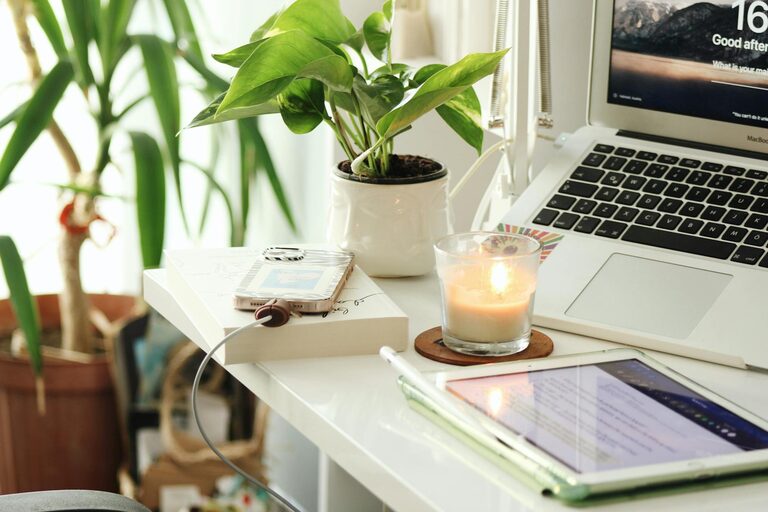
– Decor: Choose artwork, plants, or photos that motivate you.
– Colors: Use colors that promote calm and concentration, such as blues, greens, or soft neutrals.
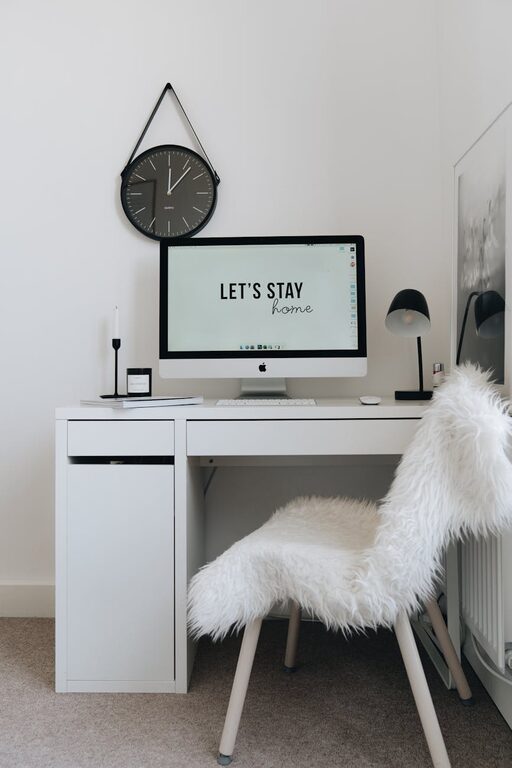
– Comfort items: A cozy blanket, cushions, or a small rug can add warmth to your space.
Minimize Distractions
Create an environment conducive to focus by reducing noise and interruptions.
– Noise control: Consider noise-cancelling headphones or a white noise machine.
– Privacy: Use room dividers or curtains if you need separation from household activity.
– Digital distractions: Manage notifications and set working hours to avoid constant interruptions.
Optimize Technology Setup
A reliable and efficient technology setup is essential for modern home offices.
– Internet connection: Ensure you have strong and stable Wi-Fi.
– Screen setup: Position your computer screen at eye level to reduce neck strain.
– Peripherals: Invest in quality keyboards, mice, and printers as needed.
Maintain a Healthy Work Routine
A well-designed space supports a good routine, which is crucial for productivity and wellbeing.
– Take breaks: Stand up, stretch, or take short walks to avoid fatigue.
– Stay hydrated: Keep water nearby.
– Good posture: Adjust your chair and desk regularly to maintain healthy posture.
Final Thoughts
Creating a cozy and functional home office is about balancing comfort and efficiency. By choosing the right location, investing in quality furniture, organizing your space, personalizing your décor, minimizing distractions, and optimizing your technology, you can build an environment that supports your work and wellbeing. Remember, your home office should be a place where you feel motivated and comfortable every day.