Creating an efficient and organized home workspace can significantly improve your productivity and overall work experience. Whether you’re working remotely full-time or occasionally using a space at home for tasks, a well-arranged area helps minimize distractions and keeps you motivated. Here are simple, practical tips to organize your home workspace efficiently.
Choose the Right Spot
Start by picking a dedicated area for your workspace. This could be a spare corner of a room, a small nook, or even a section in the living room. The key is to have a consistent spot where you set up your work materials.
– Avoid high-traffic areas: Choose a place with minimal interruptions.
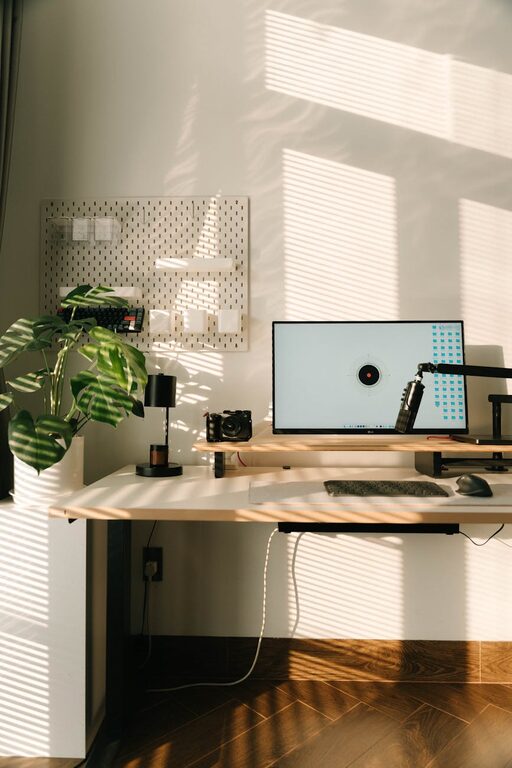
– Natural light: If possible, position your desk near a window to benefit from daylight.
– Comfort considerations: Ensure there is enough space for your chair and movement.
Declutter Your Desk
A clean and tidy desk lays the foundation for focus. Too many items can feel overwhelming and distracting.
– Keep essentials only: Limit the items on your desk to what you use daily, such as your computer, notebook, and a pen holder.
– Use containers: Small trays or organizers can keep pens, paper clips, and sticky notes orderly.
– Clear regularly: At the end of each day, take a minute to clear your workspace to start fresh tomorrow.
Invest in Functional Storage Solutions
Storage helps keep your workspace neat and keeps supplies within reach.
– Shelves and drawers: Use shelves to store books or decorative elements and drawers to hide clutter.
– Boxes and bins: Label containers to categorize items like cables, chargers, or documents.
– Wall organizers: Hanging organizers or pegboards are great for maximizing vertical space.
Manage Cables and Electronics
Tangled cables and messy electronics can distract and create frustration.
– Cable ties or clips: Keep cords bundled and out of the way.
– Charging station: Set up a dedicated spot for charging devices to reduce clutter.
– Laptop stands: Elevate your laptop to improve ergonomics and free desk space.
Personalize Your Space
Adding personal touches can make your workspace more inspiring and comfortable.
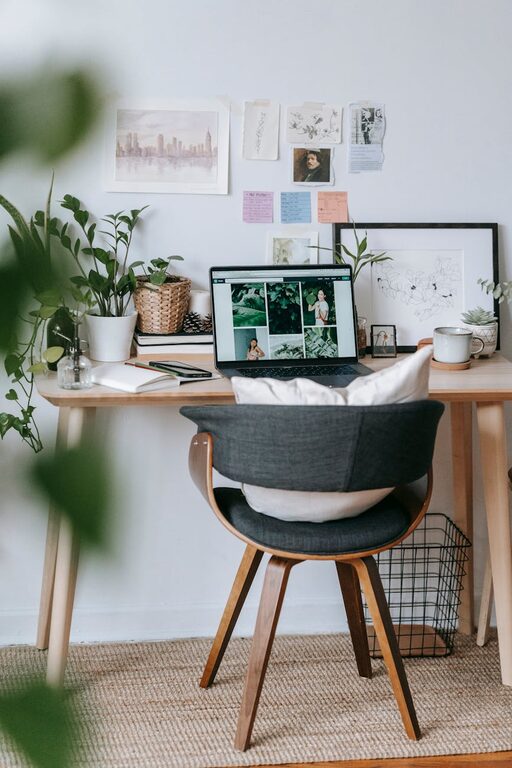
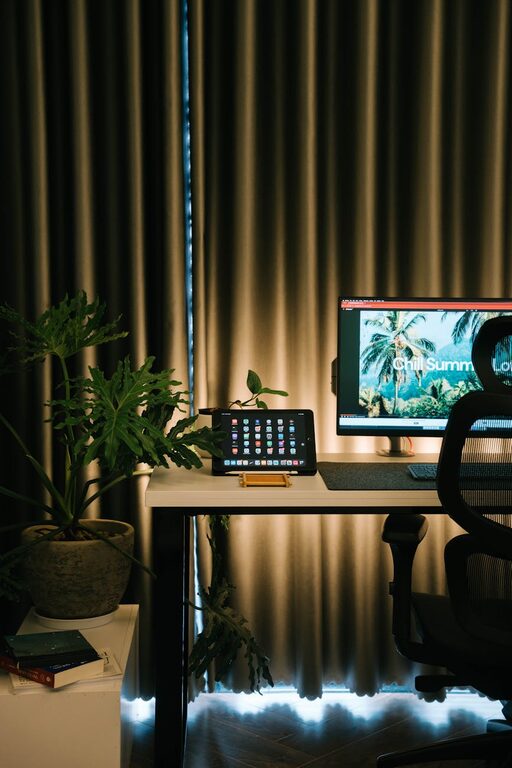
– Plants: Small potted plants bring life and can reduce stress.
– Art and photos: Add framed photos or artwork to make the space uniquely yours.
– Comfort items: A soft cushion or an inspiring quote on your wall can create a positive atmosphere.
Optimize Lighting
Proper lighting is important to reduce eye strain and maintain energy.
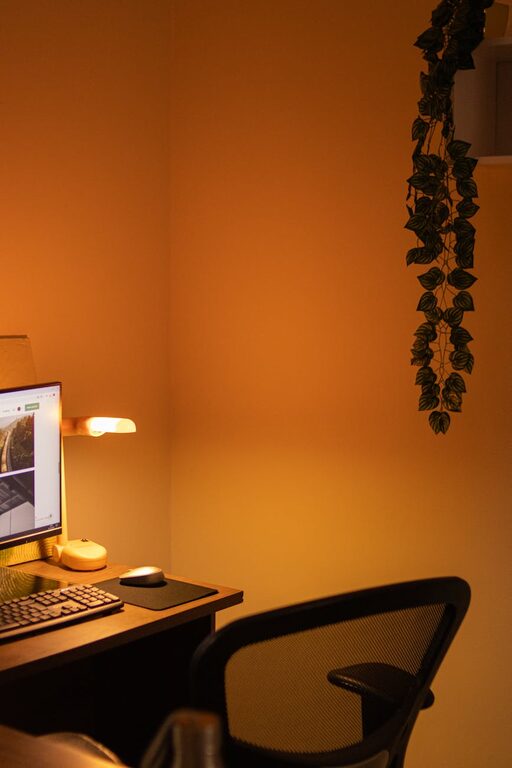
– Task lighting: Use a desk lamp with adjustable brightness for focused work.
– Avoid glare: Position screens to minimize reflections from windows or lights.
– Ambient light: Brighten the room with overhead lights or natural light to create a balanced setup.
Establish a Routine for Maintenance
Keeping your workspace organized requires regular upkeep.
– Weekly tidy-up: Set aside time each week to dust, declutter, and rearrange as needed.
– Digital organization: Don’t forget to keep your computer files and emails organized to complement your physical workspace.
– Evaluate your setup: Periodically assess what tools or items you use most and adjust your space accordingly.
Ergonomics Matter
Comfort supports productivity over the long term.
– Proper chair: Choose an adjustable chair that supports your back.
– Screen height: Position your monitor so the top of the screen is at eye level.
– Keyboard and mouse: Keep them within easy reach to avoid strain.
Utilize Multi-Functional Furniture
When space is limited, choose furniture that serves multiple purposes.
– Foldable desks: Great for small areas and can be put away when not in use.
– Storage ottomans: Use these for seating and hidden storage.
– Desk with built-in shelves: Saves space and keeps items organized.
Final Thoughts
Organizing your home workspace doesn’t have to be complicated. By choosing the right spot, decluttering regularly, managing cables, personalizing your area, and focusing on comfort, you’ll create a functional, inviting environment that promotes productivity and well-being. Start small, make adjustments along the way, and enjoy the benefits of a well-organized home office.